How to Place an Order on Private menu
Get your Private Menu favorites in 5 easy steps. After placing your order, check your email for our secure payment link and final confirmation.

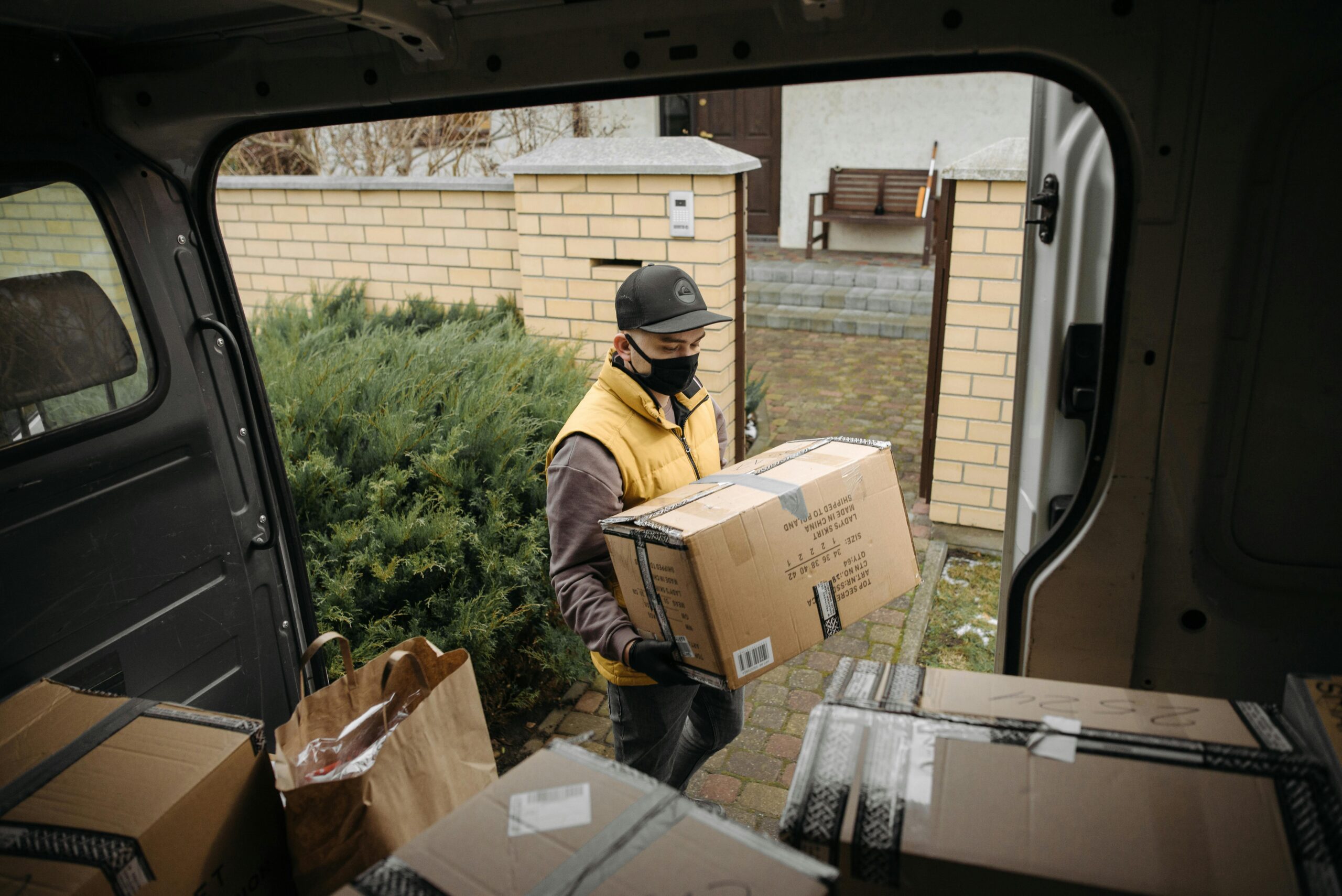
Get your Private Menu favorites in 5 easy steps. After placing your order, check your email for our secure payment link and final confirmation.
At Private Menu, we’ve simplified our ordering process to ensure your experience is secure and discreet. Follow these steps to place your order.
Explore the wide range of Private Menu selections available, including favorites like Fade v2, Frozen Grapes, and Growlers Icecaps. Each product page features detailed descriptions and reviews to help you choose the right fit.
Select your desired quantity and click “Add to Cart.” You can continue browsing or review your selections by clicking the cart icon in the top-right corner.
Click “Proceed to Checkout” and enter your shipping details. Please ensure your email address is 100% correct, as this is how you will receive the final steps to complete your purchase.
After confirming your shipping info, click “Place Order.” > Important: To maintain security, payment instructions are not handled directly on the site. Check your inbox immediately for a message from Private Menu. This email will contain our current secure payment methods and instructions on how to finalize your transaction.
Once your payment is confirmed by our team, you will receive a final confirmation email with your tracking number. Then, simply sit back and wait for your package touchdown!
At Private Menu, we pride ourselves on quick delivery and vacuum-sealed packaging to preserve the freshness and quality of your extracts.
Thank you for choosing Private Menu!